No Worry Tingxie
From a broad AI learning app to one reliable weekly tool — helping parents turn this week’s spelling list into a teacher-like practice test at home.
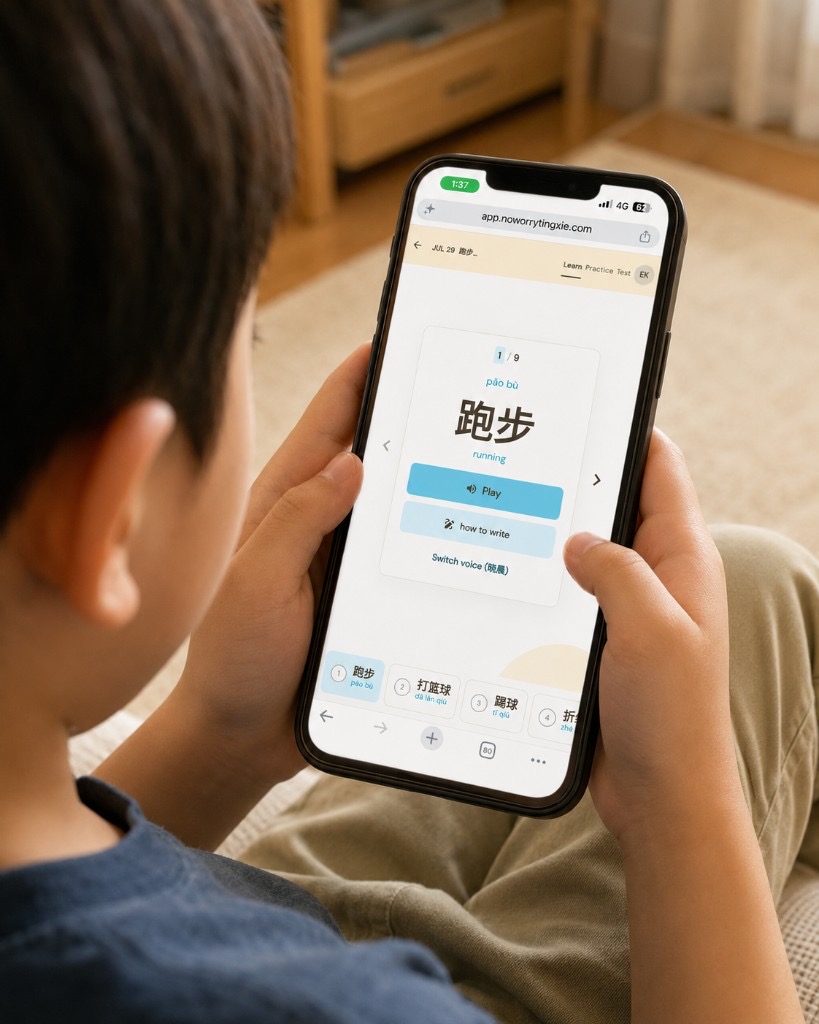
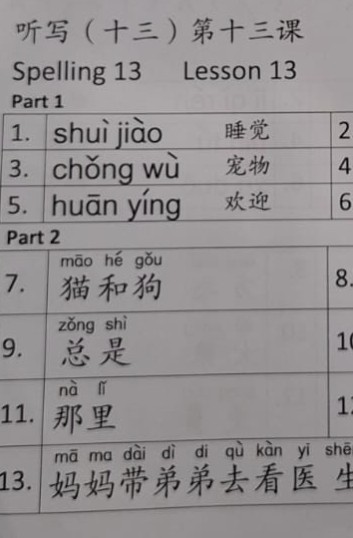
No Worry Tingxie is a lightweight web app that helps primary school parents support their children’s Chinese spelling practice at home. Parents snap or upload this week’s tingxie list, turn it into a practice set, and generate a teacher-like audio test so their child can prepare independently.
This grew out of Pikabook, where OCR and GPT could turn textbook photos into learning material — useful, but often met with “Can’t I just use GPT for this?” That pushed me toward a more specific, repeated use case parents already know: tingxie prep every other week.
The real problem was not another learning platform. Parents were acting as teacher, dictionary, audio player, test generator, and motivator — all at once. The bet: upload this week’s list, get a teacher-like test instantly. Not “AI turns anything into learning material,” but one weekly chore made easier.
End-to-end product strategy, UX, interface design, content, and usability testing
I kept v1 small — no accounts, curriculum, rewards, or dashboards. Just the core weekly job: create a list, randomize the order, and play words like a real tingxie test. Accuracy before magic. Fast launch for real feedback.
The minimum value was not “upload a list.” It was “my child can now practice tingxie without me reading every word.”
Real-world use quickly revealed what v1 had missed. Based on feedback from parents, I shipped three key improvements.
A tingxie test can ask children to write either Hanyu Pinyin or Chinese characters, but the first version treated every item in the same way.
I updated the upload flow to detect and label Pinyin test items separately. The practice experience now reflects the expected answer format, including exercises that ask children to select the correct Pinyin and tone.
Parents told me the stroke-order animation moved too quickly for younger children to follow. I added a slower playback option with longer pauses between strokes, making it easier for children to practise at their own pace.
The first version was optimised for Primary 1 lists, which usually contain short words and phrases. It became less reliable for Primary 3 and above, where tingxie lists often include longer and more complex sentences.
I refined the prompts and processing flow to handle higher-grade content more accurately.
One month after launch, with no marketing, No Worry Tingxie reached:
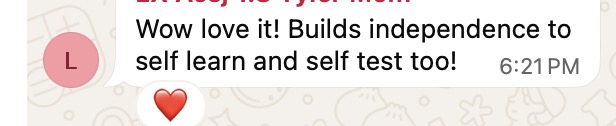
“Wow, love it! It builds independence to self-learn and self-test too!”
— Feedback from a parent via WhatsApp
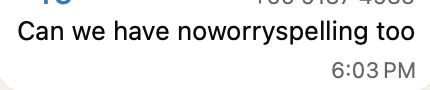
“Can we have noworryspelling too”
— Parent asking for an English spelling version
“We can now prepare for Tingxie on the go.”
— Parent loved the convenience of practicing anywhere
A powerful feature is not the same as a sharp use case.
Parents do not necessarily want a broad AI learning platform. Sometimes, they simply want one frustrating, recurring task handled exceptionally well—especially when the solution fits naturally into a routine they already have.
No Worry Tingxie progressed into a pilot with primary-school families, alongside early conversations with potential partners and investors. It was not presented as a finished learning platform, but as a focused v1 demonstrating how AI can support a real and repeated parent workflow.